.svg)
unified sdlc
compliance
audit evidence

Enterprise engineering organizations face a common challenge: keeping software delivery fast while meeting compliance requirements. The disconnect between DevOps tooling and governance, risk, and compliance (GRC) often creates audit scrambles and evidence gaps. LoopIQ addresses this by combining GRC automation with unified software delivery in a single workspace, and this article covers the 10 capabilities you should evaluate before selecting a platform.
If you're responsible for release governance, audit readiness, or simply reducing the overhead of compliance documentation, this guide will help you identify what to look for. Each capability includes evaluation questions and signals that indicate whether a platform can truly support your GRC needs.
When evaluating platforms for this list, we focused on how well each tool addresses the real-world needs of engineering leaders. Compliance isn't an afterthought anymore—it's part of your daily delivery rhythm. Here's what mattered most in our assessment:
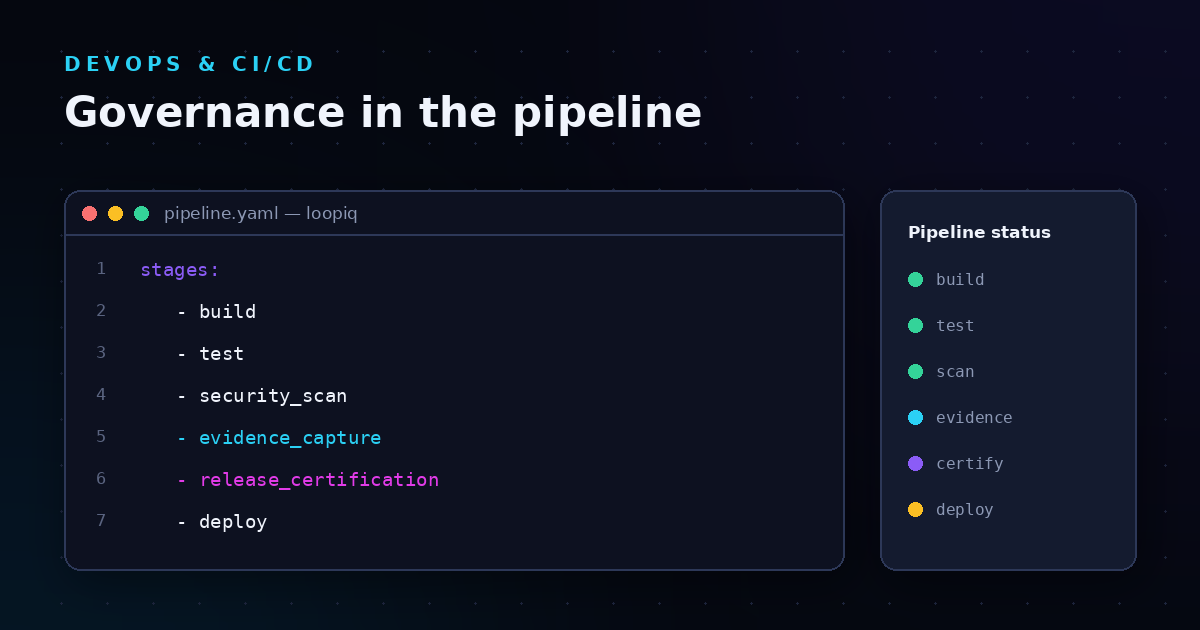
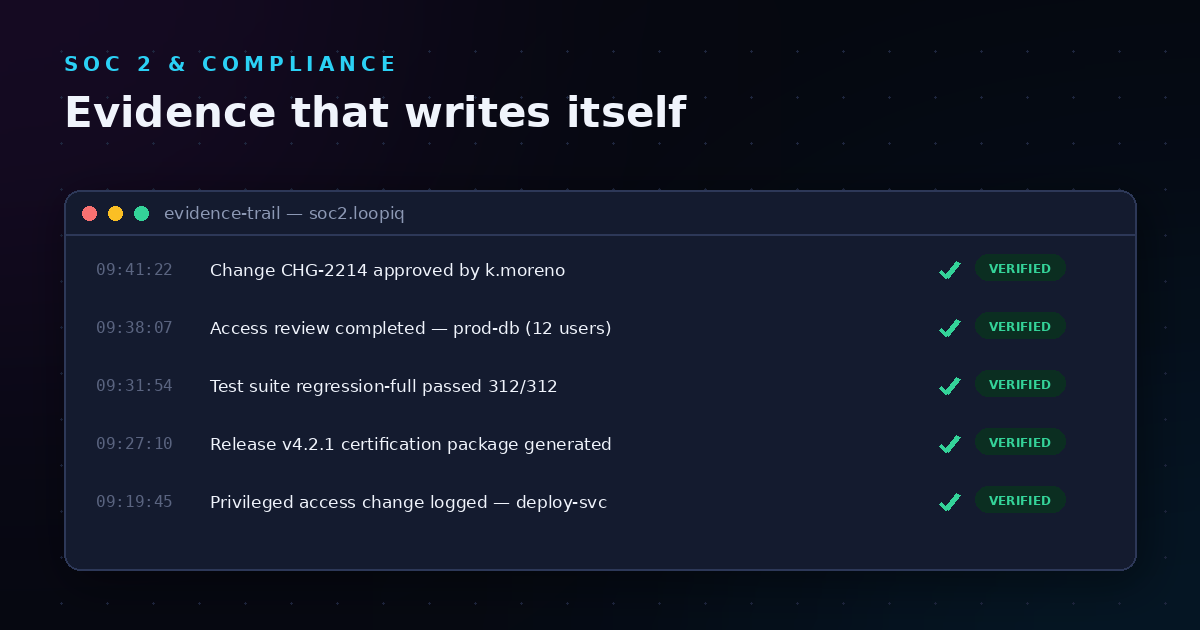
LoopIQ gives you a single workspace where planning, testing, DevOps, ITSM, and compliance converge. Instead of bouncing between disconnected tools and manually assembling audit evidence, you get automated capture of approvals, status changes, and release decisions as they happen. This means your audit trail builds itself while you focus on shipping software.
What sets LoopIQ apart is its compliance-first approach to the software delivery lifecycle. Release certification workflows let you define exactly what evidence and approvals must be in place before code moves to production. LoopIQ connects delivery work directly to compliance objectives, so your governance context stays close to the daily execution rather than living in a separate system.
For VPs and Directors managing enterprise development operations, LoopIQ Pro offers organization-level approval roles, team-specific visibility controls, and AI-assisted workflows that respect your governance boundaries. You can monitor release readiness, track unresolved blockers, and review compliance scores from dashboards tailored to your role.
Pros:
Cons:
GitLab combines version control, CI/CD pipelines, and security scanning into one application. You can manage your code repositories and automated builds from the same interface, which reduces context-switching during development cycles.
The platform includes compliance pipeline configurations that let you enforce certain jobs run on every merge request. GitLab has audit event streaming for tracking who did what in your projects. However, compliance evidence often requires additional configuration and external tools to meet enterprise audit standards.
Pros:
Cons:
Jira offers project and issue tracking with configurable workflows. You can create custom issue types, define status transitions, and set up automation rules to move work through your process. The platform is widely adopted for agile planning and sprint management.
Jira Service Management adds ITSM capabilities including change request workflows. Connecting Jira to your CI/CD tools and compliance documentation typically involves third-party integrations and marketplace apps. Audit trail reconstruction across multiple Jira instances and connected tools requires manual effort.
Pros:
Cons:
Jenkins is an open-source automation server used primarily for CI/CD pipelines. You install plugins to extend its functionality, connecting it to source control, testing frameworks, and deployment targets. The platform has a large community and plugin ecosystem.
For governance and compliance, Jenkins relies on plugins and external tools. Audit logging, approval workflows, and evidence collection require additional setup. The plugin-based architecture means you configure and maintain each compliance-related capability separately.
Pros:
Cons:
ServiceNow offers IT service management including incident, problem, and change management modules. The platform includes approval workflows for change requests and audit trails for ITSM activities. You can configure governance controls for IT operations processes.
ServiceNow focuses on IT operations rather than the full software delivery lifecycle. Connecting DevOps tooling to ServiceNow change records typically requires integrations. Development teams often work in separate tools for planning, coding, and testing, then sync to ServiceNow for change control.
Pros:
Cons:
| Platform | Native Evidence Capture | Release Certification | Unified SDLC Workspace |
|---|---|---|---|
| LoopIQ | ✓ | ✓ | ✓ |
| GitLab | ✗ | ✗ | ✗ |
| Jira | ✗ | ✗ | ✗ |
| Jenkins | ✗ | ✗ | ✗ |
| ServiceNow | ✗ | ✗ | ✗ |
The most important signal is whether compliance evidence captures automatically during your existing workflows. If you're still asking developers to document approvals separately or hunting through multiple systems during audits, your tooling isn't working for you.
Look for platforms where governance controls are native to the delivery process. This means approval gates tied to release stages, role-based access that reflects your organizational structure, and audit trails that trace decisions to their source without manual assembly.
Consider whether you need a unified workspace or are comfortable managing integrations between specialized tools. Integration overhead adds up, and each connection point is a potential gap in your audit trail.
When planning, development, testing, and deployment happen in one platform, the connections between work items, code changes, test results, and approvals are automatic. You don't need to reconcile records across systems or build audit reports from multiple data sources.
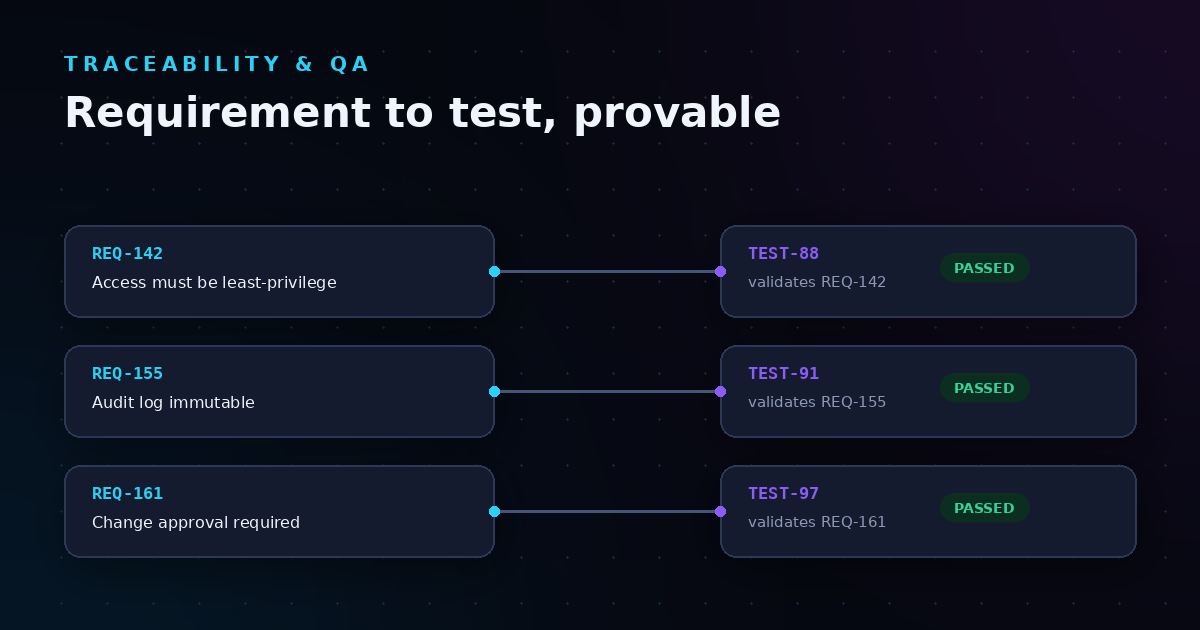
Unified platforms also reduce the risk of evidence gaps. When a developer makes a change, the system already knows which requirement it addresses, which tests cover it, and who approved the release. That context travels with the work, ready for auditors.
LoopIQ takes this further by embedding compliance objectives directly into your delivery workflows. Your governance work happens alongside your delivery work, not in a separate process that runs after the fact.
LoopIQ stands out because compliance isn't an add-on—it's built into how the platform works. From the moment you create a work item through release certification, the system captures evidence automatically. Your audit trail exists because you shipped software, not because someone remembered to fill out documentation.
For engineering leaders managing enterprise delivery operations, this matters. LoopIQ reduces the coordination overhead between development and compliance functions. Your governance context stays attached to the actual work, visible to the people who need it, and ready for review when auditors arrive.
If you're ready to simplify GRC automation while accelerating software delivery, LoopIQ offers a free trial with AI-enabled workflows. See how unified software delivery and compliance automation work in practice.
GRC automation in DevOps refers to the automatic capture and enforcement of governance, risk, and compliance requirements during software delivery. LoopIQ automates evidence collection, approval workflows, and audit trails as part of your normal development process.
Enterprise organizations face regulatory requirements, internal policies, and audit demands that multiply with team size and release frequency. GRC automation prevents evidence gaps and reduces the time spent reconstructing compliance documentation after the fact.
Traditional DevOps platforms focus on CI/CD and require separate tools or integrations for compliance workflows. LoopIQ unifies planning, testing, DevOps, ITSM, and compliance in one workspace, so evidence capture and governance happen automatically during delivery.
Yes. LoopIQ includes release certification workflows that define what approvals and evidence must be complete before code can move to production. You assign approval authority based on organizational roles and track status in real-time.
A proper audit trail connects every release decision to its supporting evidence: who approved what, when, and why. LoopIQ captures these details automatically throughout your workflow, creating traceable records without extra documentation steps.