.svg)
devops
compliance
audit evidence

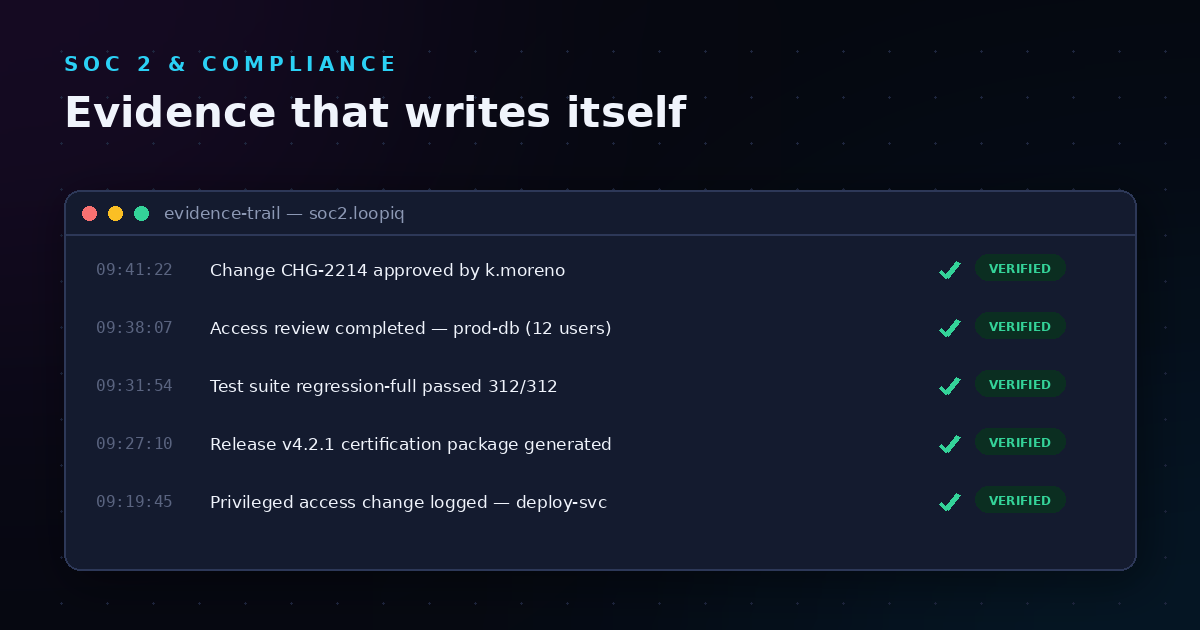
Every release you ship should tell a complete story—what changed, who approved it, and why it was safe to deploy. If you're reconstructing that story weeks later from Slack threads, pull request comments, and email chains, you're doing audit prep the hard way. The smarter approach is to capture change evidence as part of your existing delivery workflow, not as a separate documentation exercise.
This guide walks you through setting up DevOps change evidence workflows that create audit-ready records automatically. You'll learn how to capture approval chains, connect CI/CD signals to releases, and unify evidence from GitHub, your pipeline, and your change management process into a single defensible release record. LoopIQ gives you a compliance-native SDLC platform that makes this possible without adding extra steps for your developers.
Change evidence is the documented proof of what was known, validated, and authorized before a software release shipped. It includes commit histories, code review approvals, test results, security scans, and the explicit sign-offs that cleared a release for production.
For regulated industries and enterprise environments, this evidence serves three purposes. First, it demonstrates that your team followed established change management policies. Second, it creates a defensible record if something goes wrong post-deployment. Third, it satisfies auditor requirements without requiring your senior engineers to spend days assembling packets months after the fact.
According to a Puppet research report, engineering teams that automate compliance and governance activities report significantly higher software delivery performance. The teams that capture evidence inline—rather than reconstructing it later—spend less time on compliance overhead and more time shipping features.
Before configuring any tooling, document what evidence your organization needs for each release type. Start with your compliance framework requirements (SOC 2, ISO 27001, HIPAA, or internal policies) and map them to specific artifacts.
A typical change evidence checklist includes:
LoopIQ connects these evidence types directly to your release records, so you don't need to configure separate collection mechanisms for each artifact type. The platform ingests signals from your existing tools and maps them to compliance objectives automatically.
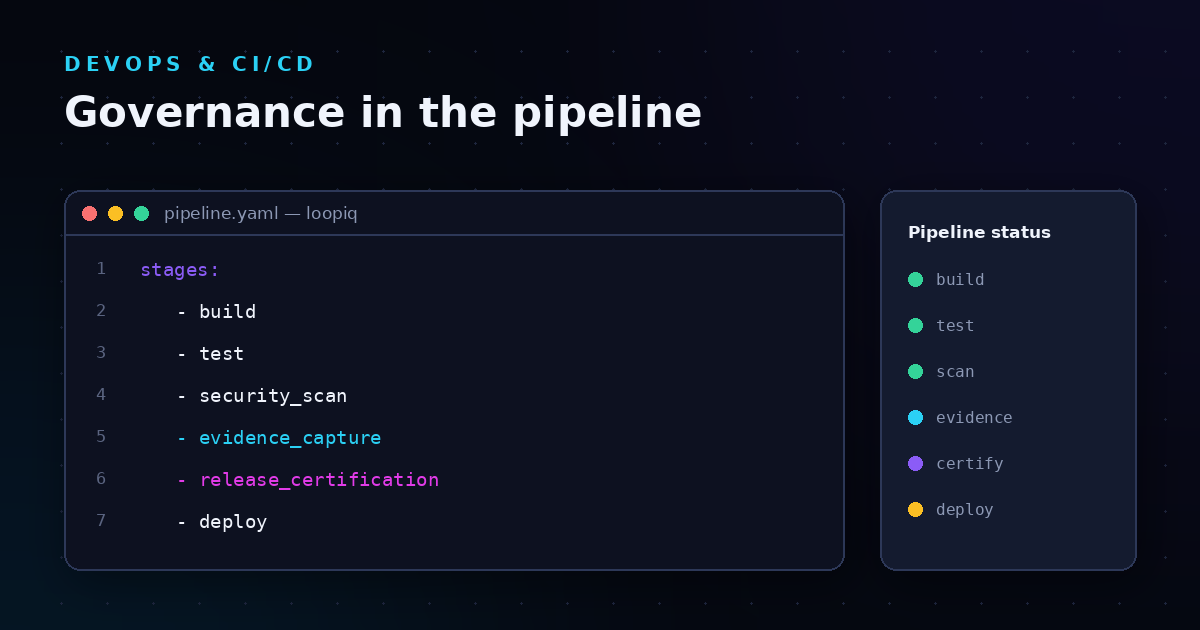
Your CI/CD pipeline generates critical change evidence with every build and deployment. The goal is to capture this data in a structured format that's linked to specific releases—not buried in pipeline logs that require manual extraction.
For GitHub Actions, GitLab CI, or Jenkins pipelines, implement structured evidence output at key stages:
LoopIQ automates evidence generation from your CI/CD pipelines by connecting directly to your existing toolchain. Rather than adding custom scripts to export data, the platform captures pipeline signals and structures them into release certification trails that auditors can review on demand.
Your Git repository holds the foundational evidence for any code change: the commit history, branch protections, pull request discussions, and merge approvals. This evidence needs to flow into your release record without requiring developers to copy information between systems.
Configure your Git provider integration to capture:
LoopIQ captures this evidence automatically through its GitHub integration. When a pull request merges, the platform records the complete approval chain with verifiable identity—not just a username, but authenticated identity tied to your organization's access controls.
Approval evidence is often the hardest to reconstruct after the fact. When approvals happen in Slack, email, or verbal conversations, you lose the audit trail. The solution is to route change approvals through a system that captures them structurally.
An effective approval workflow includes:
LoopIQ embeds approval workflows directly into your delivery lifecycle. Approvals are captured at the moment they happen, with full context about what was being approved and why. This means you can confidently answer "who authorized this release and when?" months after shipping.
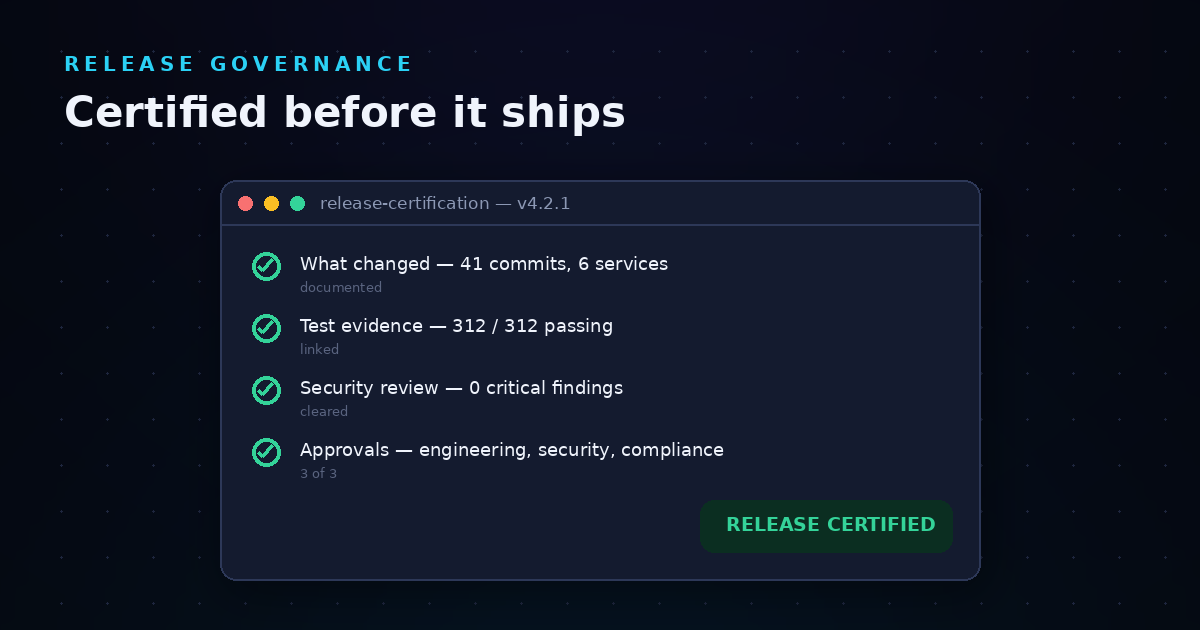
Individual evidence pieces—CI logs, PR approvals, test results—only become audit-ready when they're connected to a specific release. The unified release record is the central artifact that ties all evidence together.
Your release record should include:
LoopIQ creates unified release records automatically by connecting delivery signals to releases and mapping metrics to compliance objectives. Every release gets a certification trail that links objectives to measurable results. Auditors can review a single record instead of piecing together evidence from five different tools.
Change evidence has a shelf life determined by your compliance requirements. SOC 2 typically requires one year of retention; some financial regulations require seven years or more. Configure your evidence storage with retention policies that match your requirements.
Key considerations for evidence management:
LoopIQ preserves document version history linked to release decisions for audit readiness. Evidence is stored with full context, so you can defend a software release months after shipping without reconstruction overhead.
When building change evidence workflows, teams often fall into patterns that create more work than they save. Here are the pitfalls to avoid:
LoopIQ helps you avoid these patterns by embedding evidence capture into your existing delivery workflow. Developers keep shipping; evidence collects itself from the work your team already does.
Once your change evidence workflow is operational, track metrics that demonstrate its value:
Teams using LoopIQ report reducing audit preparation from weeks to minutes. Rather than assembling evidence packets during audit season, they generate one-click compliance evidence dossiers per release—ready whenever auditors request them.
You need a system that connects your CI/CD pipeline, Git repository, and approval workflows to create unified release records. LoopIQ consolidates evidence from these sources into a single platform, so you don't need to build custom integrations between each tool.
Audit logs record events but don't organize them into release context. Automated evidence collection structures artifacts around specific releases and maps them to compliance requirements. LoopIQ captures evidence at the moment decisions are made and links it directly to the release record.
Yes. LoopIQ connects to your existing toolchain—GitHub, GitLab, Jenkins, and other CI/CD platforms—and captures evidence from the tools you already use. You keep your preferred workflow; the platform handles evidence aggregation and organization.
Auditors commonly request code review approvals, test execution results, security scan outputs, deployment authorizations, and change request documentation. The specific requirements depend on your compliance framework (SOC 2, ISO 27001, HIPAA) and internal policies.
Retention periods vary by regulation and industry. SOC 2 typically requires one year, while financial services regulations may require seven years or longer. Configure your evidence retention policies based on your most stringent compliance requirement.