.svg)
devops
compliance
audit evidence

Software delivery teams face a familiar tension: ship fast, or ship with audit-ready evidence. The good news? You don't have to choose. Compliance-first automation rules let you move quickly while capturing the governance context your organization needs. LoopIQ unifies your entire software delivery lifecycle into one workspace where approvals, SLAs, and rollback decisions are built into the flow—not bolted on after deployment.
This guide walks you through the concepts, configuration patterns, and decision frameworks for designing automation rules that keep your releases predictable, governed, and traceable. You'll learn how to configure approval policies, set up SLA enforcement, design safe rollback logic, and connect all of it to a single audit trail your compliance team can trust.
Compliance-first automation rules are event-driven configurations that enforce governance policies during software delivery. Rather than treating compliance as a checkpoint at the end of a release cycle, these rules run alongside your development, testing, and deployment workflows to capture decisions and evidence in real time.
This approach shifts compliance from a reactive exercise—scrambling to reconstruct evidence before an audit—to a proactive discipline baked into your daily operations. When a pull request is merged, a build is promoted, or a deployment is triggered, your automation rules can require approvals, log decisions, check SLA thresholds, and record rollback criteria automatically.
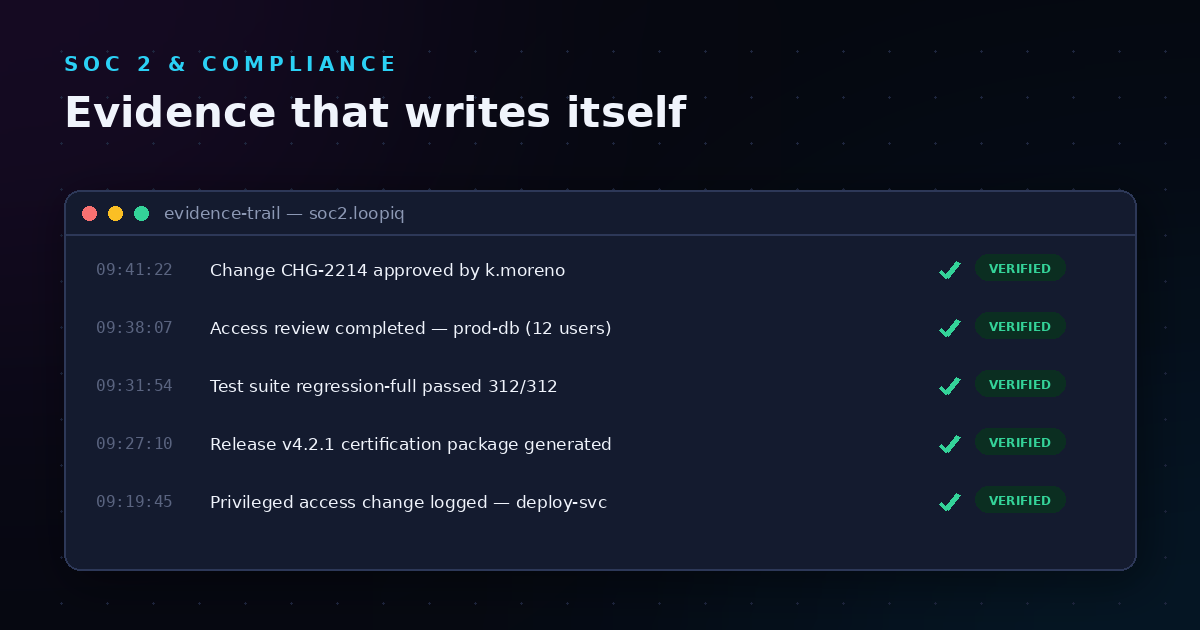
The result is a delivery process that generates its own audit trail. Your team doesn't need to stop and document what happened. The system captures it as work flows through.
VPs and Directors of Software Development often inherit fragmented toolchains where governance data lives in disconnected systems. Planning happens in one tool, code review in another, testing in a third, and deployment in a fourth. Reconstructing the story of a release requires stitching together screenshots, tickets, logs, and Slack threads.
That approach doesn't scale. As teams grow and release frequency increases, the manual effort required to maintain audit readiness grows faster than headcount. Compliance-first automation solves this by embedding governance into the delivery workflow itself.
When your delivery platform captures approvals, status changes, and decision context automatically, audit preparation becomes a matter of generating reports rather than hunting for evidence. Your team can answer auditor questions with a few clicks instead of a weeks-long document chase.
Engineering teams often resist governance because they associate it with friction. Compliance-first automation removes that friction by making governance invisible during normal operations. Approvals route to the right people automatically. SLA violations trigger escalations without manual follow-up. Rollback rules execute when conditions are met. Your team keeps shipping while the system keeps recording.
Approval policies define who must sign off on a change, under what conditions, and how that decision is captured. In a compliance-first model, approval policies are configured once and enforced consistently across your delivery pipeline.
Your approval policy specifies the criteria that trigger a review requirement. Common triggers include:
For each trigger, you assign reviewers based on role, team membership, or expertise. A production deployment might require sign-off from both a release manager and a security lead. A configuration change might need only the relevant infrastructure owner.
When a reviewer approves or rejects a change, the system records who made the decision, when they made it, and any comments or context they added. This creates a permanent audit trail linked directly to the work item, deployment, or release certification in question.
LoopIQ stores approval decisions alongside the records they govern, so you can navigate from a release certification to the specific approvals that authorized it—or from an approval back to the change it covered.
Configuring approval policies in LoopIQ involves defining the conditions that require approval, specifying who can approve, and setting up notification rules to keep reviewers informed.
Start by mapping your delivery pipeline and identifying the points where governance decisions matter. Common approval points include:
Create approval roles that match your organization's decision-making structure. An approval role is a reusable definition that specifies who can approve and under what circumstances. For example, you might define a "Release Approver" role that includes your release managers and senior engineers.
Approvals only work if reviewers know they're needed. Configure notifications to alert approvers when their sign-off is required. Set escalation rules to notify backup reviewers if the primary approver doesn't respond in a timely manner.
Before rolling out your approval policy to production workflows, test it in a staging environment. Verify that approvals are triggered at the right moments, notifications reach the right people, and decisions are recorded correctly.
SLA policies establish timing expectations for work items, approvals, and operational tasks. In a compliance-first SDLC, SLAs aren't just performance targets—they're governance controls that ensure work moves through your pipeline at a predictable pace.
Without SLA enforcement, approvals can languish in queues, releases can stall waiting for sign-off, and incidents can drag on without resolution. SLA policies prevent these bottlenecks by defining response and completion time goals, then triggering escalations when those goals are at risk.
A response SLA measures the time from when a work item is created or assigned to when someone acknowledges it. A resolution SLA measures the time from creation to completion. Both are valuable, but they serve different purposes.
Response SLAs ensure that work doesn't sit unnoticed. Resolution SLAs ensure that work gets done. In a compliance-first model, you'll typically define both—especially for change requests, incident tickets, and approval workflows.
When an SLA threshold is approaching or has been breached, your system should escalate automatically. Escalation might mean notifying a manager, reassigning the work item, or flagging it on a compliance dashboard for executive review.
LoopIQ enables you to configure SLA policies that track response and completion times, trigger notifications at defined thresholds, and escalate to backup owners when deadlines are missed.
Setting up SLA policies in LoopIQ involves defining timing goals, configuring escalation triggers, and connecting SLA data to your compliance dashboards.
For each work type—approval requests, change tickets, incident reports—define the response and resolution time goals that align with your operational and compliance requirements. Consider factors like:
Decide when escalation should occur. Common approaches include:
Your SLA data becomes most valuable when it's visible to the people who need it. Configure dashboards that surface SLA performance by team, work type, or time period. Use these dashboards to identify bottlenecks, recognize high performers, and demonstrate compliance during audits.
Rollback decision rules define the conditions under which a deployment should be reverted and the process for executing that reversion safely. In a compliance-first model, rollback rules aren't just operational safeguards—they're governance controls that ensure production changes can be undone with full traceability.
A well-designed rollback rule specifies:
Some rollback scenarios can be fully automated. If a deployment fails a health check, the system can revert immediately without human intervention. Other scenarios require human judgment—a slow performance degradation might warrant investigation before rollback.
Your rollback rules should distinguish between these cases. Automated triggers execute instantly when conditions are met. Manual triggers alert the responsible team and wait for confirmation.
Every rollback—whether automated or manual—should be recorded as a compliance event. The record should include what triggered the rollback, who authorized it (if manual), what version was reverted to, and any follow-up actions planned.
LoopIQ captures rollback decisions as part of your release record, creating a complete history that auditors can review when assessing your change management practices.
Designing effective rollback rules requires understanding your deployment topology, defining clear trigger conditions, and connecting rollback events to your broader compliance workflow.
Before configuring rollback rules, document how deployments flow through your environments. Identify the points where rollback is possible and the target state for each rollback scenario. For a typical three-environment setup (development, staging, production), you might define rollback paths like:
Specify the signals that should trigger a rollback evaluation. Common triggers include:
Determine which rollback scenarios require approval and which can execute automatically. High-severity automated rollbacks (e.g., complete service failure) might execute without approval but notify stakeholders immediately. Lower-severity rollbacks might require confirmation from the on-call engineer before proceeding.
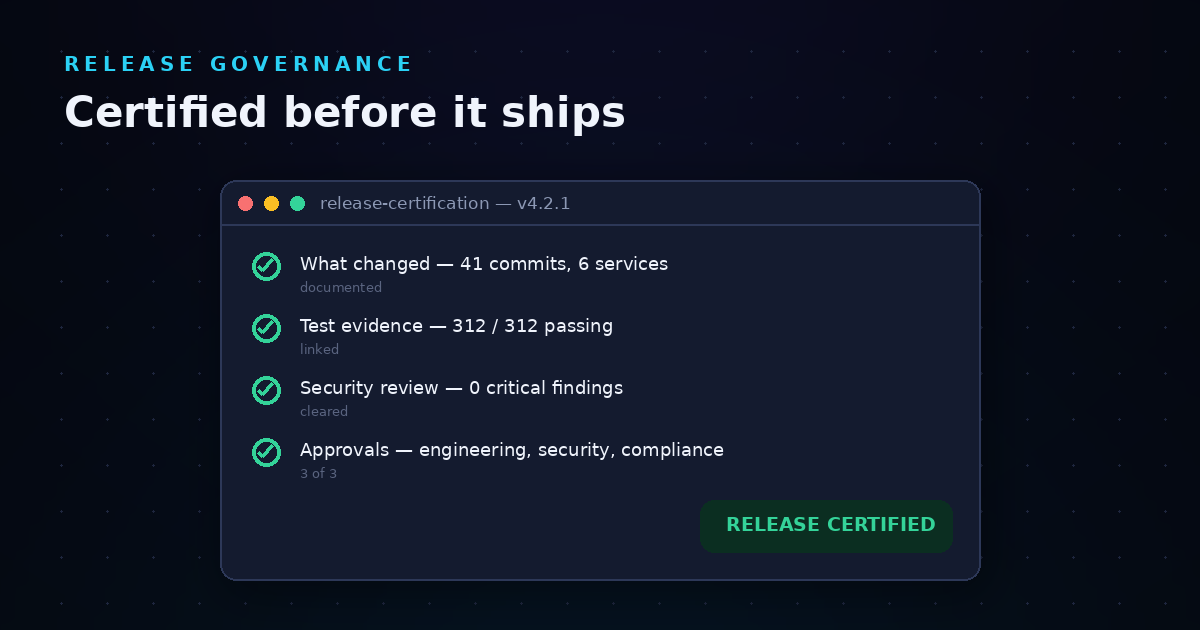
Link your rollback records to the release certifications they affect. This connection allows auditors to trace from a certification to any rollbacks that occurred, understand why they happened, and verify that proper procedures were followed.
End-to-end traceability means you can follow a change from initial request through development, testing, approval, deployment, and—if necessary—rollback. Compliance-first automation rules make this traceability possible by capturing governance data at each stage of the delivery lifecycle.
When your approval policies, SLA rules, and rollback logic all operate in the same workspace, the connections between stages are automatic. A release certification can link to the test results that validated it, the approvals that authorized it, and the deployment events that executed it.
LoopIQ creates these connections by design. Work items, approvals, test results, deployments, and compliance records all live in one system, so you never need to stitch together evidence from disparate tools.
The goal of compliance-first automation is to make audit readiness a byproduct of normal operations. When your delivery workflow captures approvals, tracks SLAs, and records rollback decisions automatically, you're building audit evidence as you work—not scrambling to create it before an auditor arrives.
According to DORA's research on software delivery performance, teams that invest in automation and traceability see measurable improvements in deployment frequency, lead time, and change failure rate. Compliance-first automation aligns with these practices by removing governance as a bottleneck while preserving the evidence your organization needs.
AI-assisted workflows can accelerate compliance tasks without bypassing governance controls. The key is ensuring that AI operates under the same rules as human contributors—subject to approval policies, SLA tracking, and audit logging.
AI can help draft documentation, analyze risk, estimate effort, and summarize changes. These outputs speed up delivery, but they still require human review and approval before affecting production systems.
When AI agents perform actions—like creating comments, attaching evidence, or requesting status changes—those actions should be logged and subject to the same governance controls as human actions. LoopIQ supports governed AI workflows where AI agents operate as traceable contributors, not invisible automation.
For sensitive operations, configure your automation rules to require human approval before AI recommendations are applied. This preserves human oversight while still benefiting from AI acceleration.
Once your automation rules are in place, you need metrics to assess whether they're working. Effective measurement combines operational metrics (how fast is work moving?) with compliance metrics (is evidence being captured correctly?).
Even well-intentioned automation can create problems if not designed carefully. Here are common pitfalls to avoid.
Automation should accelerate governance, not replace it entirely. Sensitive decisions—especially those affecting production or security—should include human review points. Fully automated pipelines that bypass human judgment can create blind spots that auditors will question.
Every approval requirement adds latency to your delivery process. If your policies require five sign-offs for a minor configuration change, you'll create bottlenecks and frustration. Design approval policies that match the risk level of the change—more review for high-risk changes, streamlined review for low-risk ones.
SLA policies without escalation paths are just measurement tools. They tell you when deadlines were missed, but they don't help you meet them. Always configure escalation rules that alert backup approvers or managers before SLA breaches occur.
A rollback rule that's never been tested is a rollback rule you can't trust. Regularly exercise your rollback procedures in non-production environments to verify they work as expected. Document test results as evidence of your change management practices.
If you're ready to implement compliance-first automation rules, here's a practical path forward.
Start by documenting where compliance evidence is currently captured—and where it's missing. Identify the manual steps your team takes to prepare for audits. These gaps are your automation opportunities.
Work with your compliance, security, and engineering stakeholders to define the policies that will govern your delivery pipeline. Document who approves what, how quickly work should move, and when rollbacks should occur.
Use LoopIQ's approval policies, SLA policies, and workflow automation capabilities to implement your governance rules. Start with a pilot team or project to validate your configuration before expanding.
Track the metrics described above to assess how your automation rules are performing. Adjust policies based on what you learn—tighten SLAs where you're exceeding targets, add approvers where risks emerge, streamline workflows where bottlenecks appear.
Compliance-first automation rules turn governance from a burden into a capability. When approvals, SLAs, and rollback decisions are built into your delivery workflow, your team can ship faster while your compliance team sleeps better.
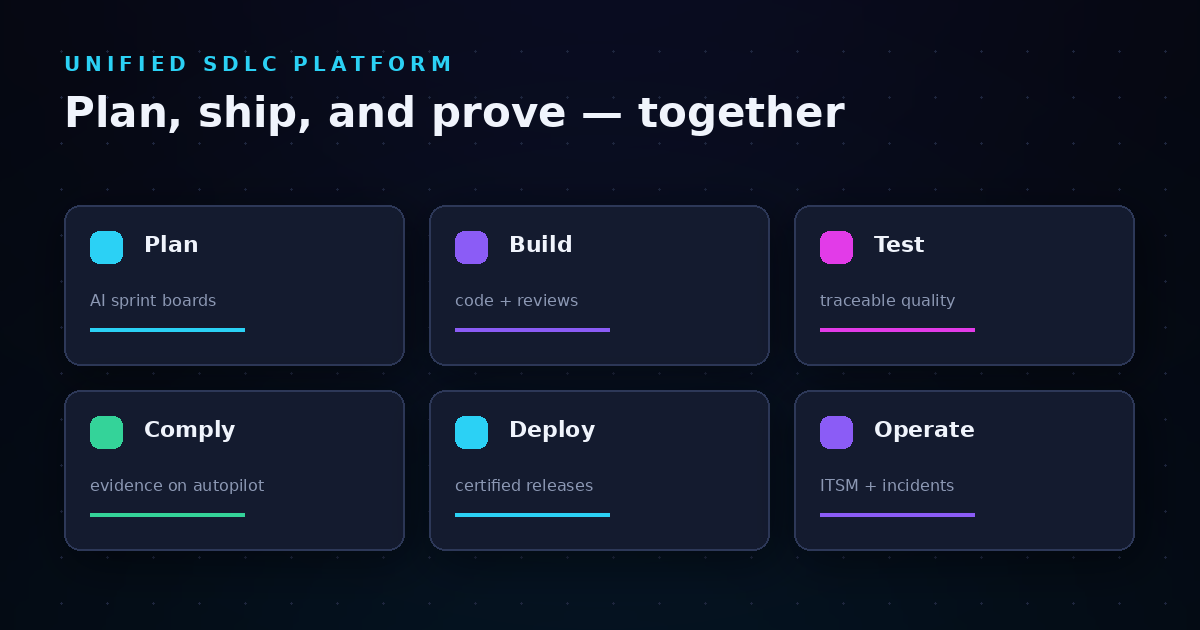
LoopIQ gives you a unified SDLC workspace where these rules live alongside your planning, code review, testing, and deployment activities. The result is end-to-end traceability, audit-ready evidence, and a delivery process that meets your governance requirements by default.
Start by identifying your highest-priority compliance gaps. Define the policies that address them. Configure automation rules that enforce those policies automatically. Then measure, refine, and expand until compliance-first delivery is your new normal.
A compliance-first SDLC approach embeds governance controls into your software delivery workflow from the start. Instead of treating compliance as an end-of-cycle audit exercise, you capture approvals, decisions, and evidence as work happens.
LoopIQ supports this approach by connecting delivery work with compliance work in one platform. Your team can ship software while the system automatically records the governance context auditors need.
Approval policies define the rules—who can approve, when approval is required, and what conditions trigger review. Approval workflows are the execution of those rules—the actual sequence of requests, reviews, and decisions that occur during delivery.
LoopIQ lets you configure reusable approval policies and apply them across multiple workflows, ensuring consistent governance without duplicating configuration.
When an SLA breach occurs, LoopIQ triggers the escalation actions you've configured—notifying managers, reassigning work, or flagging items on compliance dashboards. The breach is recorded as part of the work item's history for audit review.
You can configure warning notifications before breaches occur, giving your team time to respond before deadlines are missed.
Yes, for scenarios where speed is critical—like complete service failures—you can configure fully automated rollback triggers. The system executes the rollback immediately and logs the event for later review.
For less urgent scenarios, LoopIQ supports manual confirmation workflows where the on-call engineer must approve before rollback proceeds.
LoopIQ captures approvals, status changes, SLA performance, and rollback decisions as structured records linked to the work they govern. When auditors ask for evidence, you can generate reports directly from the platform.
This eliminates the scramble to reconstruct evidence from emails, tickets, and chat logs—your audit trail is built as you work.
LoopIQ supports event-driven automation rules for approvals, SLA enforcement, notification routing, and workflow governance. You can trigger actions based on status changes, time thresholds, or custom conditions.
LoopIQ automates these patterns while keeping governance context close to the work itself, ensuring traceability and compliance at every stage.